01
Start with what's hot.
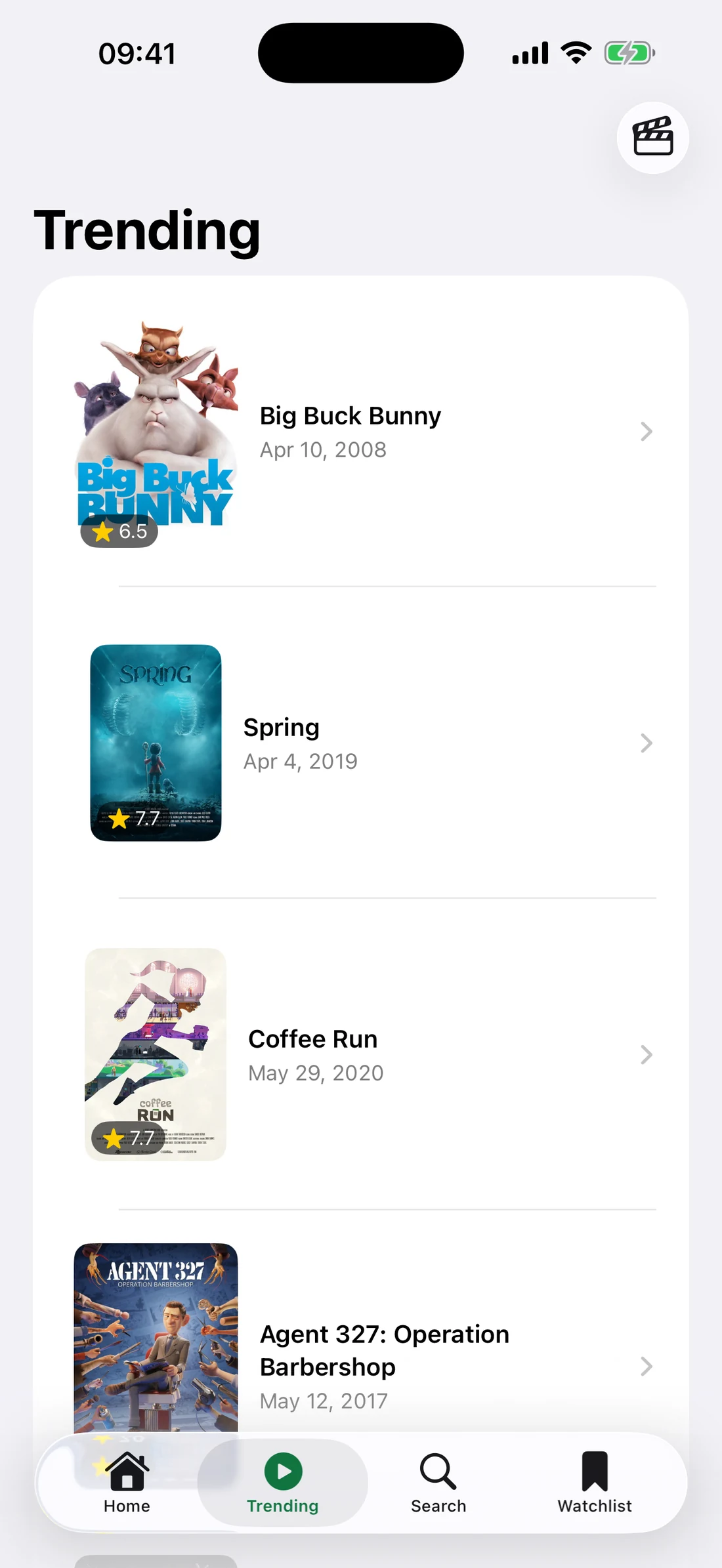
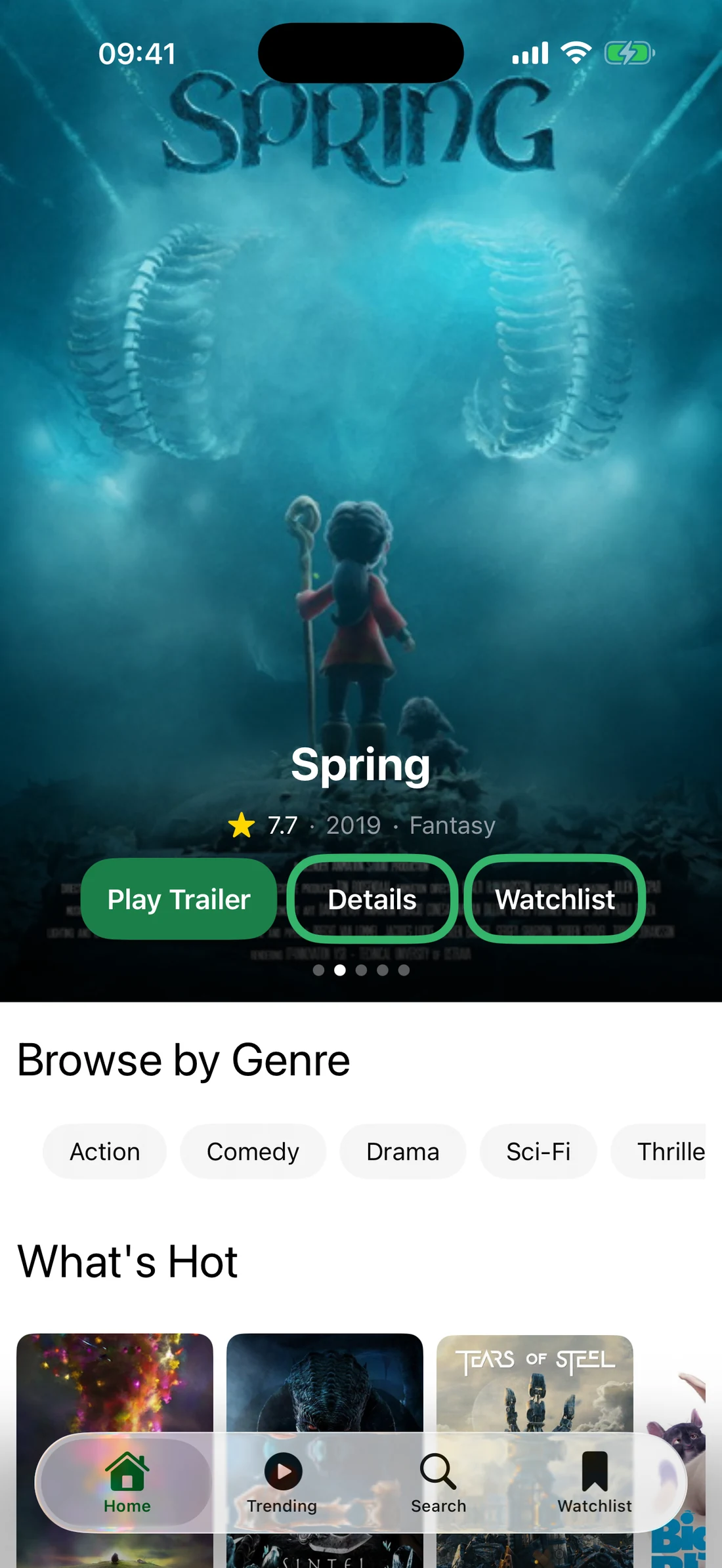
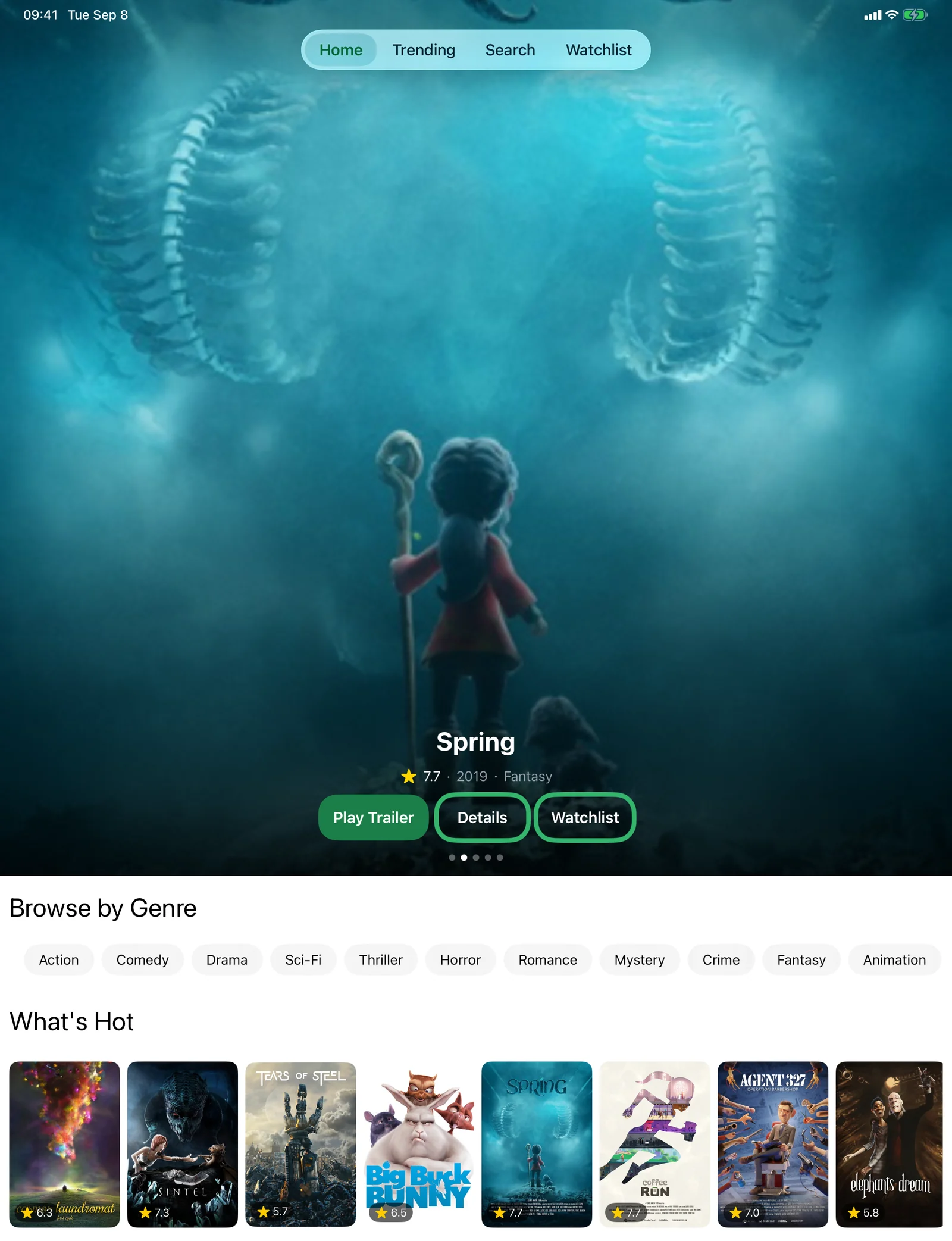
Open the app to a full-screen look at what everyone's watching right now. Swipe through the picks, or dive into trending and top-rated films and shows.
Tonight, for iPhone and iPad
Browse what's hot, play the trailer, see where it's streaming, and keep a watchlist that's yours alone. No account, no sign‑up.

What it does
Open the app to a full-screen look at what everyone's watching right now. Swipe through the picks, or dive into trending and top-rated films and shows.
Never commit to a two-hour film on the strength of a poster. Play the trailer without leaving the app, then decide.
See which services actually carry a title in your region, so you find out before you get invested rather than after.
Before you get invested, not after.
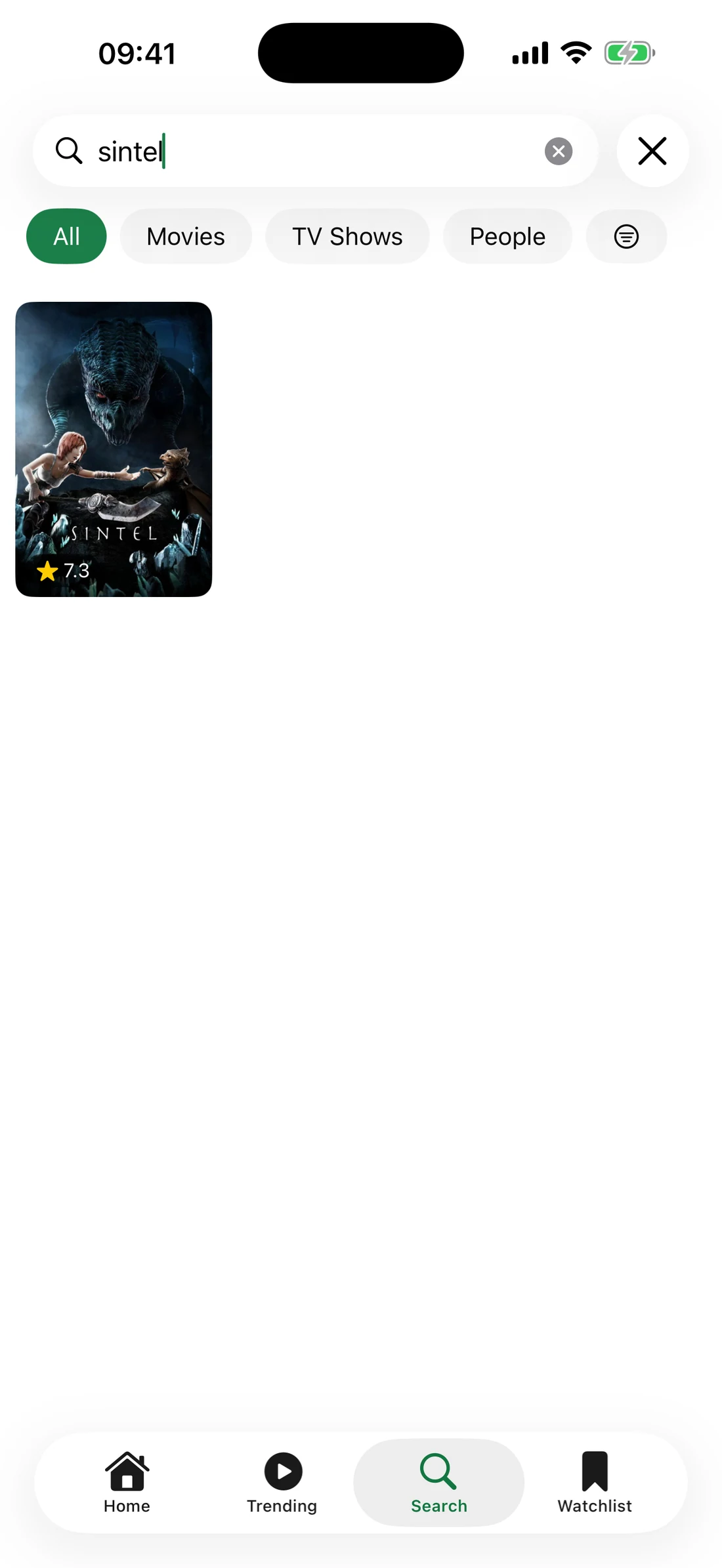
Search by title or by person, then filter by how long you've actually got: under 90 minutes, a single season, or a series you can settle into.
Tap any actor or director to see their photo, their story, and everything they've been in. One good film becomes an evening's worth of ideas.
One good film, an evening of ideas.
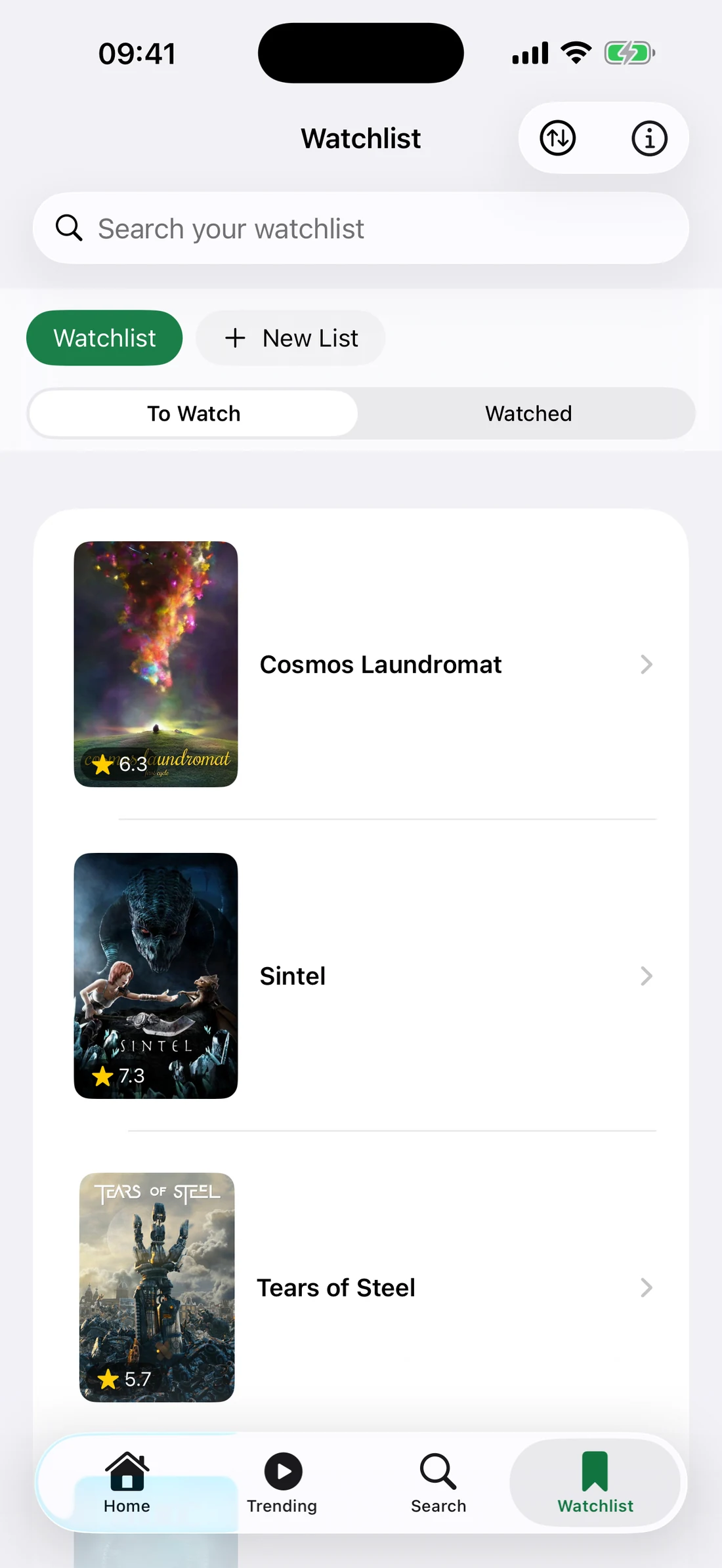
Save anything to your watchlist, split it into custom lists, and tick things off as you watch them. It lives on your device and nowhere else.
How it works
The home screen opens on a full-bleed look at what's trending, with the rating, year, genre, and streaming badges right there. Swipe through the picks or scroll to browse by genre when you only know the mood you're in.
Open any title for the rating, runtime, genres, cast, who directed it, and where you can stream it, plus similar titles when it isn't quite right.
Add anything to your watchlist with one tap. Split it into custom lists, sort by rating, year, or title, and mark things watched as you go.
Waiting on something that isn't out yet? Set a reminder and Tonight will tell you the morning it lands.
Privacy
There is nothing to sign up for and nothing about you stored on our servers. No email, no password, no profile.
Watchlist, custom lists, watched marks, recent searches, release reminders and cached artwork all live on your iPhone or iPad. Nothing syncs. Delete the app and it goes with it.
Requests to TMDB for titles, artwork and search, and to YouTube when you choose to play a trailer. That's all.
FAQ
Yes. There is no paid tier, no subscription and no in-app purchase.
No. There is nothing to sign up for. Download it, open it, and start browsing.
From The Movie Database (TMDB): titles, artwork, cast and crew, ratings and release dates. Streaming availability comes via JustWatch, is indicative only, and depends on your region.
No. Tonight is for deciding. It tells you where a title is streaming; the watching happens on that service.
No. Your list is stored only on the device where you made it. Deleting the app deletes the list with it.
iPhone and iPad, running iOS 26 or later.
From the App Store, free.
From the studio
You know the evening. Dinner is done, the sofa is calling, and somebody asks the four words that end more nights than any bad film: what should we watch. Half an hour later you're still scrolling, three trailers deep, and the mood has quietly gone.
We built Tonight for that gap. Open it, see what's good, play the trailer, find out where it's streaming, and either press play or put it on the list for another night. Then close it. It isn't meant to keep you; it's meant to hand you over to the film.
We're Rhine Bird, a studio in Ras Al Khaimah. We also make Basket Case, a shared-lists app. If you have a question or a thought about Tonight, write to support@rhinebird.com. A person reads it.
Ten minutes to choose, then the film. Tonight is free on the App Store.